Gmail unread operator comparison
Gmail label:unread vs is:unread: what changes?
Both queries target unread mail, but is:unread is the clearer unread-state operator for most searches. Compare them when Gmail counts look inconsistent.
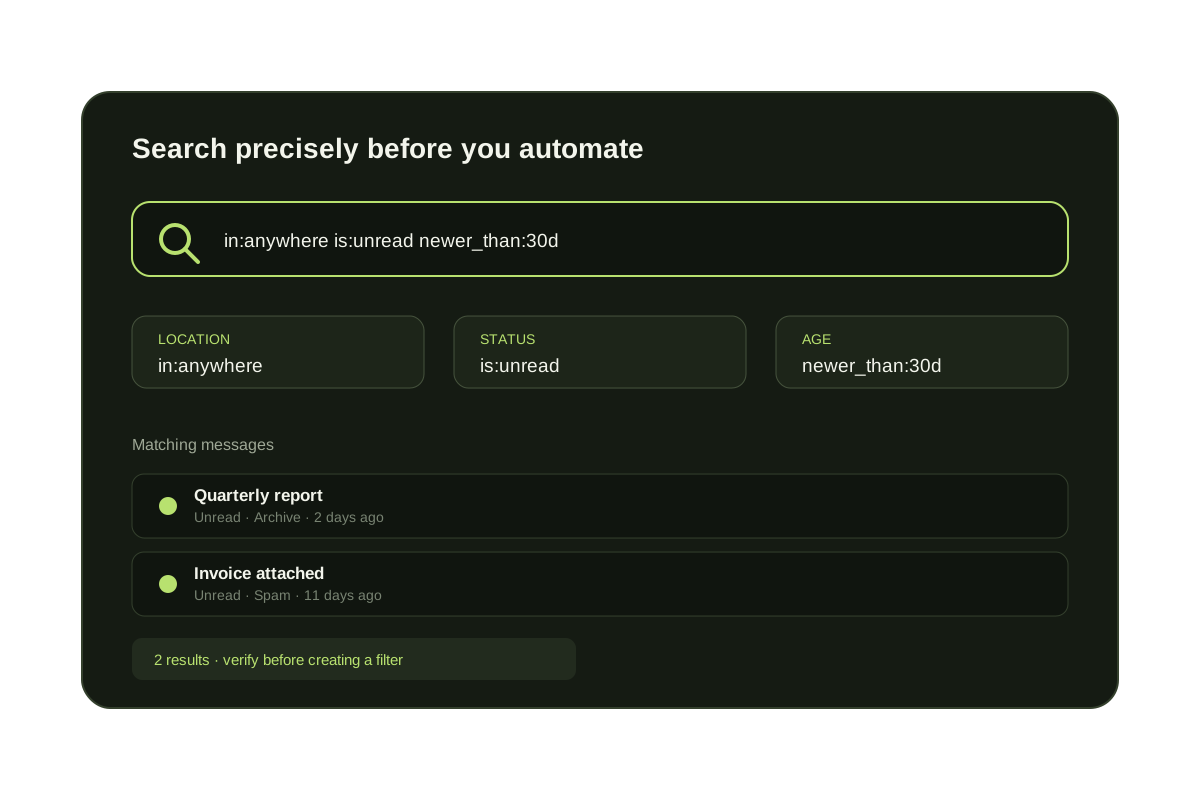
Use is:unread first when you want messages Gmail currently marks unread. Use label:unread as a comparison when unread counts or label views do not match what you expect.
In most mailboxes the two searches return the same messages because Gmail represents unread state internally as a system label. is:unread communicates the intent more clearly and combines naturally with location, sender, date, and category operators. The scope operator—not the unread spelling—is usually what changes the result set.
Which unread query should you use?
| Query | Best use | Add when needed |
|---|---|---|
| is:unread | General unread search | from:, subject:, newer_than: |
| label:unread | Compare label-style unread counts | in:inbox or in:anywhere |
| in:anywhere is:unread | Hidden unread mail | sender, date, or subject |
| in:inbox is:unread | Unread mail still in inbox | category:primary |
Unread searches that answer different questions
is:unread newer_than:7d
Review unread messages from the last seven days.
in:inbox is:unread
Limit the result to unread mail still in the inbox.
in:anywhere is:unread
Include archived mail, Spam, and Trash when a count looks wrong.
from:client@example.com is:unread
Find unread messages from one important sender.
Troubleshooting
Change the scope before changing the unread operator.
If an unread count does not match the inbox, compare in:inbox is:unread with in:anywhere is:unread. The difference reveals whether the missing mail is archived, labeled elsewhere, in Spam, or in Trash. Then add a sender or date constraint to isolate it.
Questions before you connect.
Is label:unread the same as is:unread?
They often overlap, but is:unread is the clearer unread-state operator for most Gmail searches.
Which Gmail unread query should I start with?
Start with is:unread. If the unread count does not match the inbox view, try in:anywhere is:unread.
Unread Gmail cleanup
Find unread outsider mail before it piles up again.