Free Gmail inbox audit
KeepKnown Gmail Extension
Install the free audit, open Gmail, and see how much of your visible inbox comes from people outside your contacts. No account required. No email data leaves Gmail during the local preview.
Example local audit
of 100 visible emails came from senders not on this device's known list.
KeepKnown can move these out automatically after checking them against your contacts.
Gmail extension block unknown senders
Start with proof from your own inbox.
Most people do not need another generic productivity pitch. They need to see the hidden tax: how many messages came from people they do not know. The extension makes that visible before signup, then gives KeepKnown users fast controls inside Gmail.
1. Install the audit
Add the extension from the Chrome Web Store, open Gmail, and refresh the inbox.
2. Count inbox strangers
The preview checks the visible message list in your browser and estimates how much mail came from outsiders.
3. Move them automatically
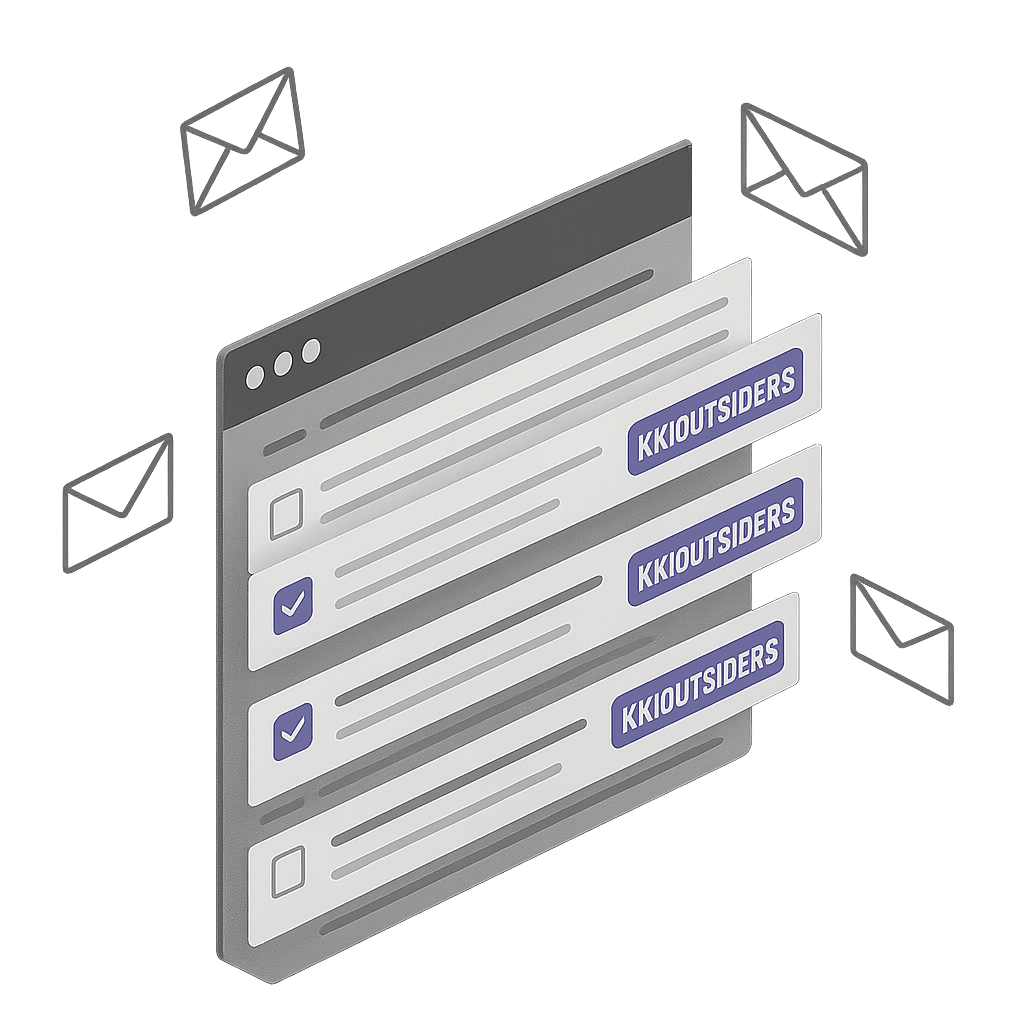
Start a KeepKnown trial to route non-contact senders into KK:OUTSIDERS without deleting them.
Free audit vs automatic screening
The audit finds the gap. The builder closes it.
The extension is useful before an account exists. KeepKnown turns the result into a real filter, with preview, paused activation, and a decision log after every match.
Why it works
Gmail does not have a clean not-in-contacts switch.
Gmail filters are useful when you already know the sender, keyword, or label. They do not offer one simple condition for every sender outside your contacts. KeepKnown fills that gap with a contact-based allow-list instead of a deny-list.
The free extension answers the first question: how much of your inbox is already strangers? KeepKnown answers the second: what if those senders never reached the inbox again?
Questions before you install.
Can I use the extension without a KeepKnown account?
Yes. The local inbox stranger audit is free and does not require an account.
Does the audit send sender data to KeepKnown?
No. The extension scans the visible Gmail list in your browser for the free preview. Email content and sender data do not leave Gmail during that audit.
What happens when I start a trial?
KeepKnown checks inbound senders against your contacts and moves outsiders to KK:OUTSIDERS. Messages remain recoverable.
Is this the same as a spam filter?
No. Spam filters try to detect bad mail. KeepKnown screens by relationship: known contacts stay in the inbox, unknown senders move aside.
Installable by anyone
See the stranger count first. Automate the filter when it is worth it.
The extension gives you a private preview inside Gmail. The KeepKnown app turns that preview into a durable inbox rule for founders, operators, and privacy-conscious teams.