Google account access audit
Review third-party apps with access to your Google Account.
Use Google's connections page to review app access, then use KeepKnown to audit Gmail senders without message-body scanning.
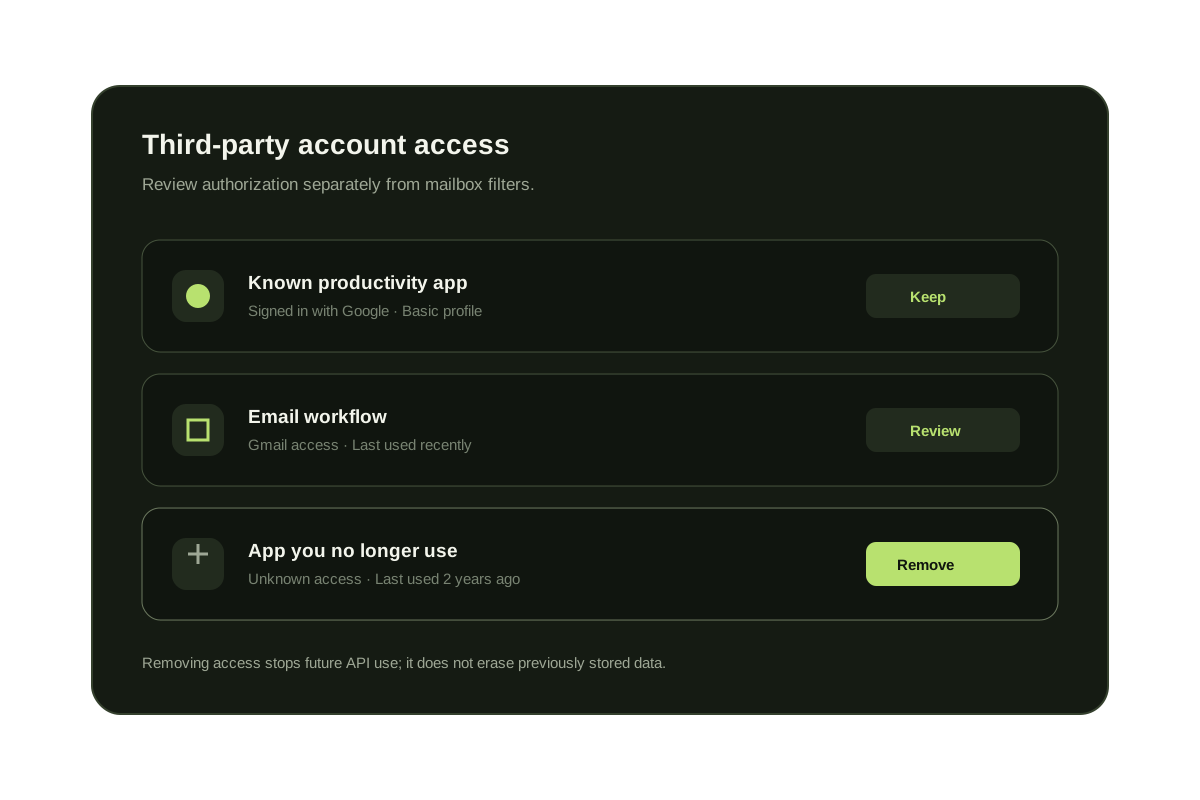
Google's connections page shows apps and services that have account access. Open each connection to see how it was authorized and what access it currently has. Remove connections you no longer use or cannot identify. Revoking access stops future API access but does not automatically delete data the provider previously received.
Keep the account-access review separate from inbox filtering. OAuth access controls which apps can connect to your Google Account; Gmail filters and KeepKnown control how incoming messages are searched, labeled, or routed.
Review connected apps safely
- Open Google Account connections while signed in to the correct account.
- Review every app, service, and Sign in with Google connection.
- Open unfamiliar entries and inspect the access and authorization details.
- Remove access when the connection is unused, unexpected, or no longer trusted.
- Review Gmail filters and forwarding separately for mailbox-level changes.
Three controls that solve different problems
| Control | What it governs | Where to review |
|---|---|---|
| Google connections | Third-party account and API access | Google Account connections |
| Gmail filters | Automatic actions on matching messages | Filters and Blocked Addresses |
| KeepKnown filters | Relationship and multi-condition routing | KeepKnown filter builder and decision log |
Questions before you connect.
Why does Substack show under account access?
It can appear when you sign in with Google or grant Google-related permissions. Review the access level in your Google Account.
Does removing Google access delete the app's stored data?
Removing access prevents future access through that connection. It does not necessarily delete information the provider already stored.
Are connected apps the same as Gmail filters?
No. Connected apps use Google authorization. Gmail filters are mailbox rules that act on matching messages. Review both independently.
Google access audit
Review app access and count risky outsider senders.