Gmail auto label
Auto label Gmail messages with rules you can verify.
Use native filters for known senders, receipts, newsletters, and project mail. Add KeepKnown when the label depends on contacts or richer condition groups.
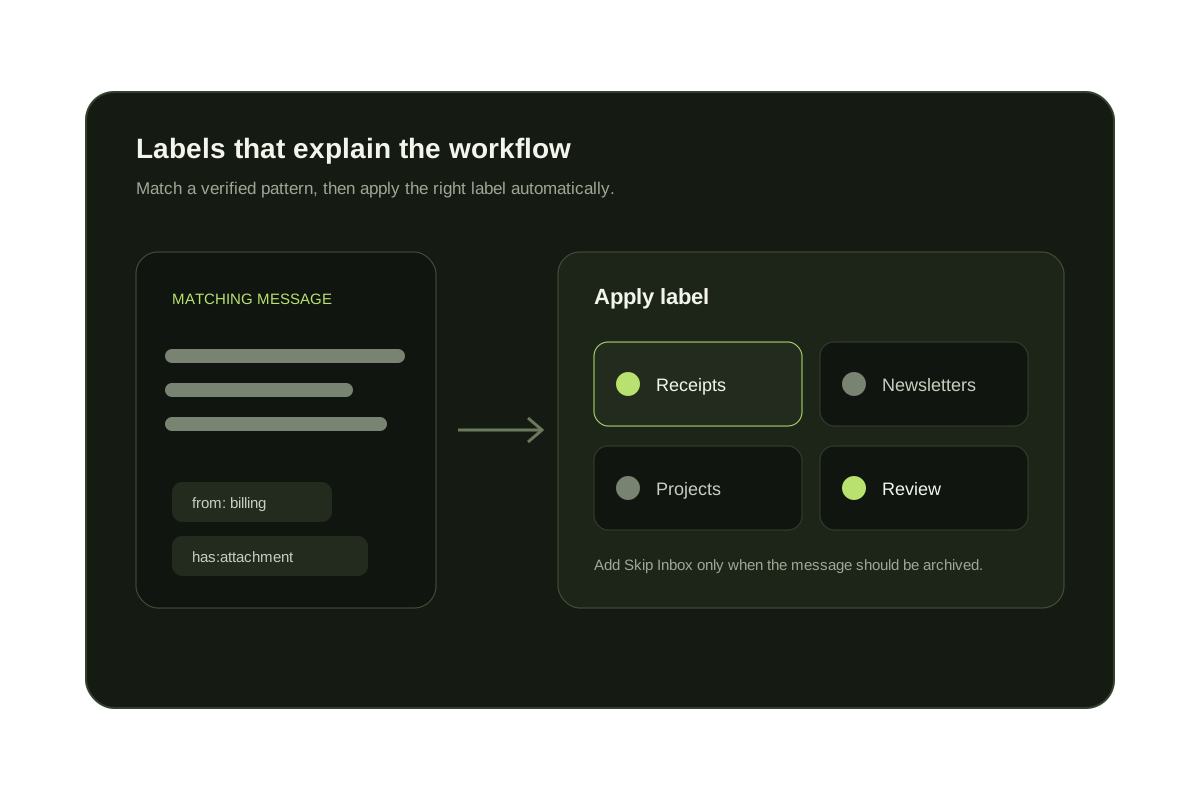
Gmail can apply a label automatically whenever a message matches saved filter criteria. The criterion might be an exact sender or domain, words in the subject, an attachment type, a recipient alias, or a combination of search operators. Google's filter instructions show where to create and manage these rules.
Start with a narrow search and inspect the matches. After selecting Create filter, choose Apply the label and either select an existing label or create one. Labels do not have to remove a message from the inbox; combine Apply the label with Skip Inbox only when the message should be archived automatically.
Short answer
A Gmail filter applies the label automatically.
Search for the pattern, verify the result set, create a filter, and choose Apply the label. KeepKnown adds contact-based labeling when the sender cannot be represented by a maintainable address list.
Gmail auto-label examples
from:(stripe.com OR paypal.com)
Apply a Receipts label to billing providers.
subject:("weekly digest" OR newsletter)
Label predictable newsletters for later reading.
to:invoices@example.com has:attachment
Label invoice attachments delivered to an alias.
from:@customer.example -label:customers
Find matching customer-domain mail that lacks the label.
Three useful auto-label workflows
Receipts and notifications
Match known domains or recipient aliases, apply a label, and optionally archive routine messages.
Projects and customers
Combine sender domains with subject phrases so the label describes a real workflow instead of one keyword.
Unknown senders
KeepKnown compares the sender with contacts and routes non-contacts to a recoverable review label.
Native labels and contact-based labels
| Rule | Best tool | Why |
|---|---|---|
| Known sender or domain | Gmail filter | The pattern is explicit |
| Subject or keyword | Gmail filter | Search criteria express the rule |
| Attachment or recipient alias | Gmail filter | Native fields cover it |
| Sender is not in contacts | KeepKnown | No native contact-membership condition |
| Nested relationship rules | KeepKnown | Multiple groups can be previewed together |
Questions before you connect.
Can Gmail auto label emails?
Yes. Gmail filters can apply labels when messages match sender, recipient, subject, keyword, attachment, or category rules.
Can Gmail auto label emails from people not in contacts?
Not natively as a contact-list rule. KeepKnown compares senders with Google Contacts and labels outsiders.
Does KeepKnown read email bodies to label email?
No. KeepKnown checks sender metadata and contact membership. It does not inspect message body text.
What happens to labeled outsiders?
They move to the KK:OUTSIDERS label and stay recoverable. Nothing is deleted.
Gmail label audit
Build a label rule, preview the matches, and keep it recoverable.