Gmail unread search operator
Gmail in:anywhere is:unread: find hidden unread mail.
Use is:unread to find messages Gmail still marks unread. Combine it with in:anywhere when unread messages are archived, labeled, in Spam or Trash, or hidden outside the inbox.
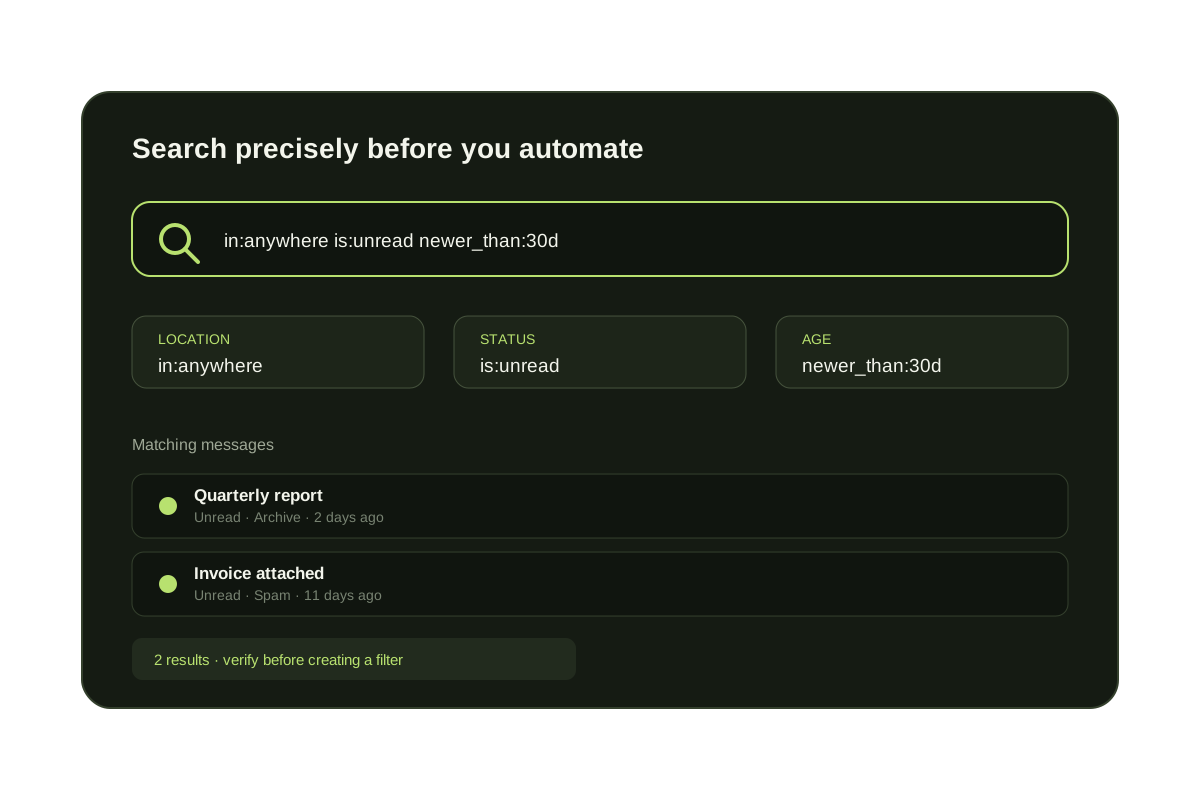
Use in:anywhere is:unread when Gmail shows unread mail but you cannot find it in the inbox. The query searches unread messages outside the visible inbox, including archived mail, labels, Spam, and Trash.
An unread badge is a message state, not a location. A filter can archive a message without marking it read, and a message can remain unread inside a custom label, Spam, or Trash. Use the wider query to locate the message, then switch to a narrower query once you know where the count comes from.
Short answer
Use is:unread to find unread Gmail messages.
is:unread returns messages Gmail currently marks unread. Combine it with in:anywhere to find hidden unread mail across archive, labels, Spam, and Trash, or use in:inbox when you only want unread messages still in the inbox.
Useful Gmail unread searches
in:anywhere is:unread
Search unread mail beyond the visible inbox.
in:inbox is:unread
Find unread mail still in the inbox.
in:inbox category:primary is:unread
Find unread Primary tab messages.
from:sender@example.com is:unread
Review unread messages from one sender.
newer_than:30d is:unread
Restrict unread cleanup to recent messages.
Choose the right unread scope
| Query | Includes | Best for |
|---|---|---|
| in:inbox is:unread | Unread messages still in the inbox | A daily inbox review |
| category:primary is:unread | Unread messages in Gmail's Primary category | Finding person-to-person mail without other tabs |
| in:anywhere is:unread | Unread mail across Gmail, Spam, and Trash | Reconciling a badge or finding a hidden message |
| is:unread newer_than:7d | Recent unread mail in the normal search scope | A bounded cleanup session |
Ongoing fix
Search clears old unread mail. KeepKnown stops new outsider backlog.
Gmail search operators are cleanup tools. If unread mail keeps coming from people outside your contacts, KeepKnown can move those outsiders to a recoverable label before they create more unread work.
Questions before you connect.
What does the Gmail search operator in:anywhere do?
The Gmail search operator in:anywhere searches across Gmail, including archived mail, labels, spam, and trash.
What does is:unread do in Gmail search?
The is:unread operator returns messages currently marked unread. You can combine it with in:anywhere or in:inbox.
Gmail unread cleanup
Find hidden unread outsider mail before it piles up again.