Gmail search operator guide
Gmail search operator in:anywhere: search all mail, Spam, and Trash.
Use in:anywhere when normal Gmail search misses archived mail, labels, Spam, Trash, or hidden unread messages.
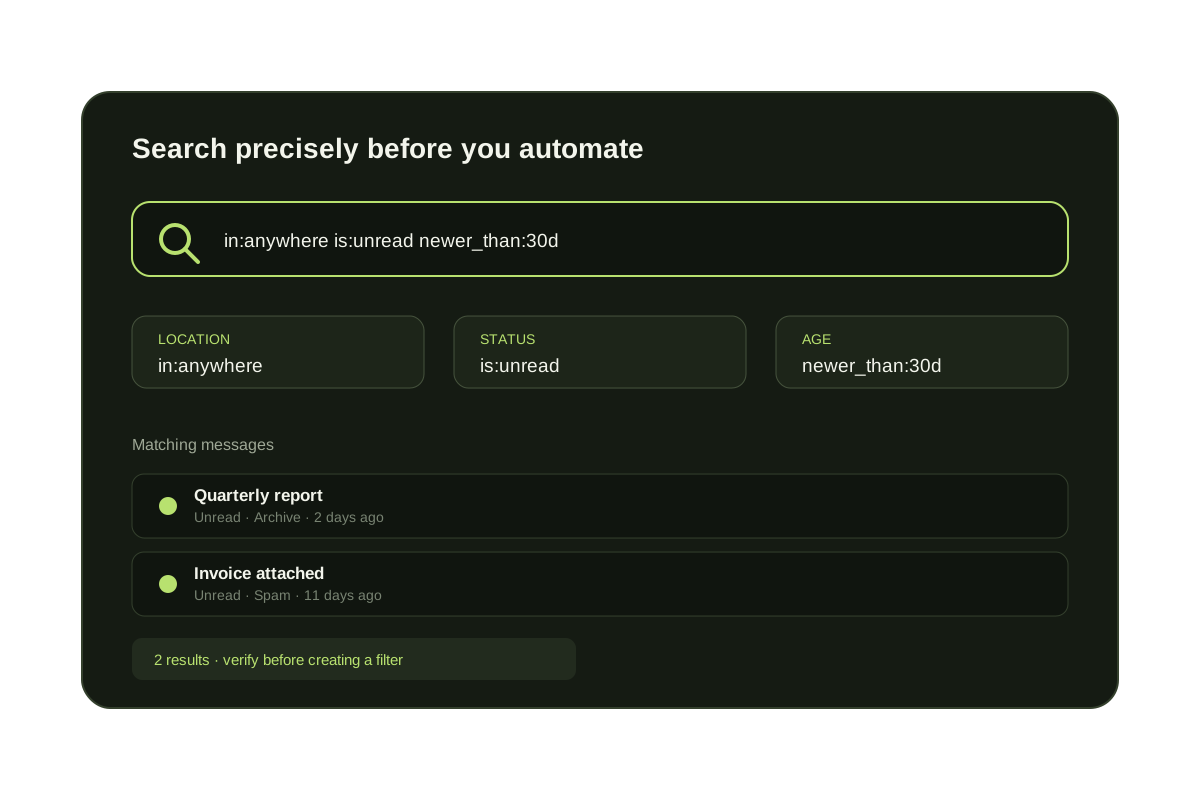
in:anywhere is the Gmail search operator for a broad search across Gmail. Use it when a message may be archived, labeled, filtered away from the inbox, sitting in Spam or Trash, or hidden as unread.
Gmail's normal search does not include Spam or Trash. Add in:anywhere only when you need that wider scope, then narrow the result with a sender, subject, date, state, or attachment operator. This makes the result easier to review before you restore, delete, or otherwise act on a message.
Normal Gmail search vs in:anywhere
| Search | Where it looks | Use it when |
|---|---|---|
| Normal search | Inbox, archive, and labels; excludes Spam and Trash | The message should still be in the normal mailbox scope |
| in:anywhere | Normal scope plus Spam and Trash | A message is missing or an unread count looks wrong |
| in:inbox | Messages currently carrying the Inbox label | You only want work still visible in the inbox |
Useful Gmail in:anywhere searches
in:anywhere is:unread
Find unread mail outside the normal inbox view.
in:anywhere from:sender@example.com
Find mail from one sender across Gmail.
in:anywhere subject:"invoice" newer_than:30d
Find recent invoice messages even if archived or filtered.
in:anywhere has:attachment filename:pdf
Search broadly for PDF attachments.
When search is not enough
Search operators find backlog after it exists.
They do not decide whether tomorrow's unknown senders belong in the inbox. KeepKnown handles that second job by checking sender relationship and routing outsiders to a recoverable label.
How to search all of Gmail safely
- {'body': 'Enter in:anywhere and the clue you remember, such as a sender or subject phrase.', 'heading': 'Start with the broad scope'}
- {'body': 'Add is:unread, newer_than:, older_than:, or has:attachment instead of scanning every message.', 'heading': 'Narrow the result'}
- {'body': 'Look for Inbox, Spam, Trash, and custom label indicators before taking action.', 'heading': 'Check the location'}
- {'body': 'Open a sample of results first, especially before deleting, restoring, or bulk-marking mail.', 'heading': 'Act only on the intended set'}
Questions before you connect.
What does Gmail in:anywhere search?
It broadens Gmail search across Gmail, including archived mail, labels, Spam, and Trash.
Does normal Gmail search include Spam and Trash?
No. Gmail excludes Spam and Trash from standard search by default. Use in:anywhere when those folders may contain the message.
Hidden Gmail backlog
Search all Gmail, then audit who keeps creating the backlog.