Email bombing and subscription bombing
Email bombing: what it is and what to do in the first hour.
Email bombing floods your inbox with hundreds of real messages, usually sign-up confirmations, in a short time. Do three things first. Check your bank, card and shopping accounts for alerts the flood may hide. Change your email password and turn on 2-step verification. Do not answer anyone who offers to fix it.
Last updated
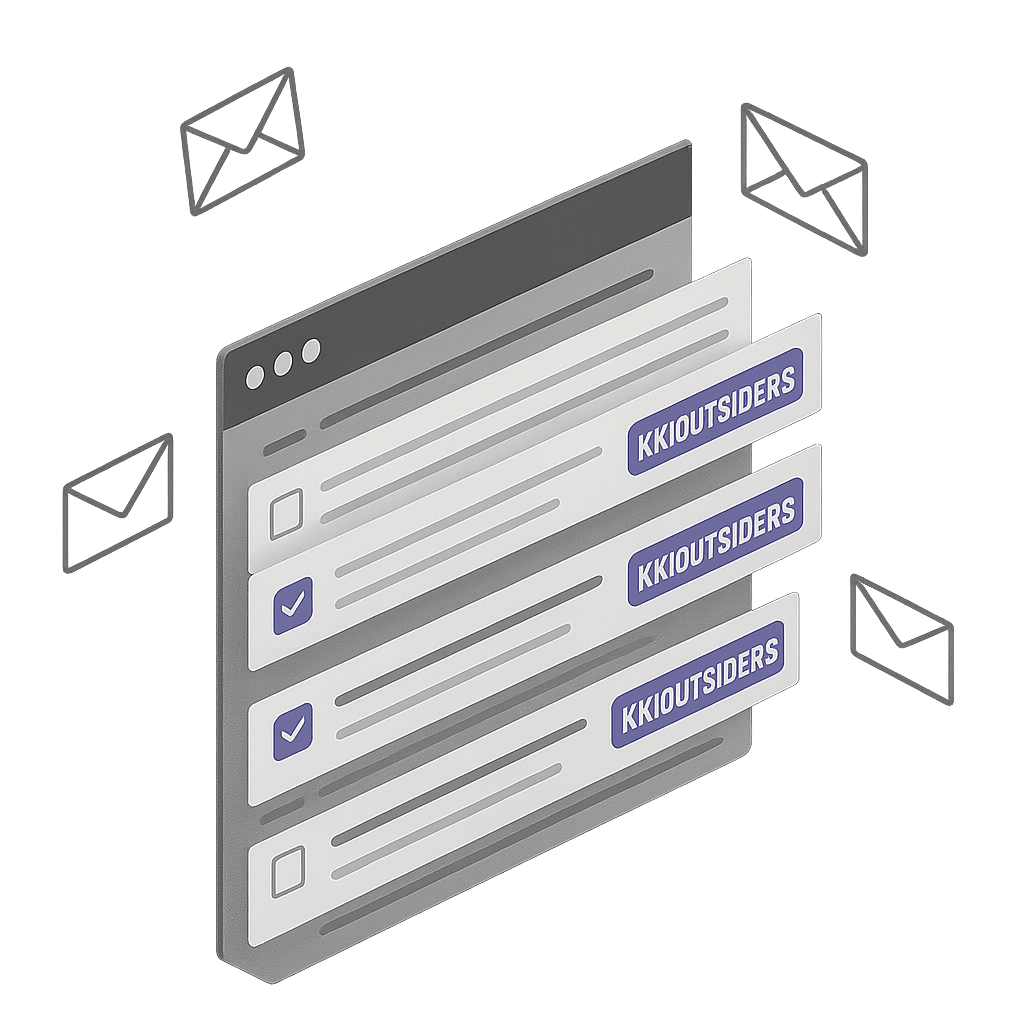
You open your inbox and find hundreds of new emails. Welcome messages, newsletter confirmations, "verify your email" links, and receipts for things you never bought. They come from many different companies, and they keep coming. That is email bombing, also called subscription bombing or spam bombing.
Someone has signed your address up to many websites and mailing lists at once, usually with a script. Each message is real, sent by a real service that thinks you asked for it. Stay calm. This page tells you what to do first. It then shows how to stop the flood in Gmail and Outlook, and what to watch for while it lasts.
Short answer
The flood is rarely the real problem.
Attackers often use email bombing as cover. Real alerts from your bank, a password reset, or a purchase notice get buried among the noise. So do not spend the first hour deleting. Check your accounts first, secure your email, and then filter the flood.
Signs you are being email bombed
A sudden jump in volume
Dozens or hundreds of new messages in minutes or hours, when you normally get a handful.
Many different senders
Companies, newsletters, forums and shops you have never heard of, each sending one or two emails.
Confirmation and welcome emails
Subjects such as "Confirm your subscription", "Verify your email", "Welcome to" and "One last step".
Receipts and codes you did not ask for
Order confirmations, one-time codes and password-reset links for accounts you do not recognize.
What to do in the first hour
- Do not mass-unsubscribe and do not click links. Unsubscribing from hundreds of senders takes hours and does not stop new sign-ups. Links in a flood can hide a phishing message.
- Check your bank, credit card, PayPal and Amazon accounts directly, by typing the address or using the official app. Look for charges, new payees, and changed addresses.
- Search your inbox for security alerts. Try the words password, security alert, new sign-in, and verification code. Look for anything you did not trigger.
- Change your email password, and turn on 2-step verification. Use a password you have not used anywhere else.
- Review recent sign-ins in your email account's security settings, and sign out of devices you do not recognize.
- Ignore calls and messages from someone claiming to be IT or bank support. Scammers often phone or message on Teams soon after a flood and offer to fix it. If you want help, contact your own IT team or bank using a number you already trust.
- If money is missing or an account was taken over, tell your bank and report it to your local police or cybercrime service.
Stop the flood in Gmail
- On a computer, open one flood message. Select the three-dot More menu, then Filter messages like this. This is faster than building a filter from scratch.
- Clear the From box, because the senders all differ. In Has the words, enter {"confirm your subscription" "verify your email" "welcome to" "one last step"}. The braces mean any of these.
- Select Search and look at the results. If real receipts or alerts appear, make the phrases more specific. If you see only a few messages, add more phrases.
- Select Create filter. Tick Skip the Inbox and Apply the label, and create a label such as Bombed. Do not tick Delete it until you are sure.
- Tick Also apply filter to matching conversations so the filter clears what has already arrived, then create the filter.
- If one domain keeps repeating, open one of its messages and block that sender, or filter from:(@example.com).
- Split long phrase lists into two or three filters if Gmail complains. Watch the label for a day before you delete anything.
Stop the flood in Outlook
- In Outlook on the web, select a flood message and choose Sweep. You can move all messages from that sender, or delete them as new ones arrive.
- Open Settings, then Mail, then Rules. Add a rule that moves messages to a folder when the subject includes phrases such as verify your email or confirm your subscription.
- Add repeat senders and domains to Blocked senders in Junk email settings. Check the Junk folder before emptying it.
- Menu names differ between Outlook on the web, new Outlook and the desktop app. Look for Rules and Junk email settings in each.
After the flood slows down
- In Gmail, open Settings, then Forwarding and POP/IMAP, and the Filters and Blocked Addresses tab. Remove any forwarding address or filter you did not create. Attackers who get in sometimes add one to hide alerts.
- Check the recovery phone number and recovery email on your account. They should be yours.
- Keep your filters for at least a week. Floods often return in a second wave.
- Use a separate address for public sign-ups and forms, so a future flood hits an address you can drop.
- Tell friends and colleagues to ignore any odd message that claims to come from you during the flood.
Why spam filters miss it
Every message is real
A confirmation email is sent by a legitimate service that believes you signed up. It passes the checks that catch forged mail.
No single sender stands out
A hundred companies each send one email. Filters that look for one sender sending a lot have nothing to catch.
The text looks harmless
"Welcome" and "verify your email" are normal messages. Gmail cannot tell which ones you actually asked for.
How KeepKnown helps
Contacts-only screening
A flood comes from senders you have never dealt with. KeepKnown moves them to KK:OUTSIDERS, so the inbox keeps mail from people you know.
Keep your bank's alerts visible
Add your bank's domain, and other services whose alerts matter, as VIP domains. Their mail stays in the inbox even when everything else is routed away.
Nothing deleted, one-step rescue
If a real message lands in KK:OUTSIDERS, rescue the sender in one step. KeepKnown reads headers and contacts, not message bodies.
Free, and it changes nothing
See who is reaching your Gmail inbox.
The free audit counts senders who are not in your contacts and changes nothing. KeepKnown has a 7-day free trial with no card, then $12.99/month for Founder or $29.99/month for Executive Pro.
No card for the trial. The audit never moves your mail.
Questions before you connect.
Is email bombing illegal?
Often, yes. Deliberately flooding someone's inbox can break computer misuse, harassment or fraud laws, depending on where you live. Keep a few sample messages and tell the police or your local cybercrime service, especially if money or accounts are involved.
How long does email bombing last?
There is no fixed length. Many floods are heaviest for a few hours and fade within a day or two. Some come back in waves, so keep your filters in place for a week.
Why would someone email bomb me?
Common reasons are hiding fraud alerts, setting up a fake IT-support call, and plain harassment. Sometimes a service you used was targeted. You do not need to know the reason to protect yourself.
Can Gmail stop email bombing automatically?
Only partly. Gmail catches some of it, but each message comes from a real service, so many get through. A filter on phrases like "verify your email" or screening by sender does more.
Should I make a new email address?
Usually not. A new address breaks logins and password resets that depend on the old one. Secure the old address, filter the flood, and consider a new one only if it does not stop.
Flooded inbox
See who is reaching your inbox. The Gmail audit is free.